
SIGENERGY HELP
Help with your Sigenergy system
Most of the batteries we install are Sigenergy SigenStor. Here’s how to check yours is working, reconnect the mySigen app and find Sigenergy’s own help and videos.
Safety first. Smoke, sparks, a burning smell, or crackling from your inverter or battery? Get everyone out, call 000 and tell them you have solar or a battery. Only use the shutdown procedure at your switchboard if it’s safe to do so. Never open the cover of an inverter or battery.
Product notice. Some single phase Sigenergy 8, 10 and 12 kW energy controllers sold between March and November 2025 are part of a voluntary safety recall, because the AC plug can overheat. If your system is affected, you’ll be contacted to arrange a free replacement, and Sigenergy adds two years to the warranty. Please keep your system connected to the internet so it can receive updates. See Sigenergy’s replacement page for details.
QUICK FIX
Changed your modem or internet provider?
If your app stopped updating after a new modem, a new wifi password or a change of internet provider, your system just needs to be reconnected to your new wifi.
Remember, your solar and battery are still working.
It’s only the monitoring and reporting in your app that has stopped. Your system keeps making and storing power as normal while it’s offline.
Your system uses your home internet to send data to the app, so an internet dropout, a new modem or a change of provider will stop the app updating. These are outside our control, but reconnecting is quick to do yourself.
Haven’t changed anything?
Turn your modem off for 30 seconds, then back on. Wait 15 minutes and check the app again.
How to reconnect it
- Make sure your new modem is on and your internet is working.
- Open the mySigen app and go to Settings, then Network configuration.
- Stand near the Energy Controller and follow the prompts to choose your new wifi network and enter the password.
- Check the communication light on the Energy Controller. Once it’s on, the app should start updating again within a few minutes.
Please reconnect it as soon as you can. Sigenergy’s warranty needs the system online, and after 90 days offline it can go into a limited safe mode.
Still offline?
If you’ve followed the steps and Sigenergy’s guide and it still won’t reconnect, we can book a technician to reconnect it for you. A service fee applies for reconnection visits.
FROM SIGENERGY
Sigenergy help and videos
For questions about the app, settings and everyday use, Sigenergy’s own help pages and videos are the quickest way to an answer.
IS IT WORKING?
What the lights mean
The Energy Controller (the main unit) has three status lights on the front.
DC and AC lights
- On: connected and running normally
- Off: not connected
- Flashing: there’s a fault. The AC light can also flash if the system is overloaded during a blackout
Battery light
- Flashing: charging or discharging
- On: idle
- Off: resting
Communication light
- On: online and sending data to the app
- Flashing: connected to your phone nearby
- Off: not online. See the quick fix
If a light is flashing, check the mySigen app for an alarm message first.
YOUR APP
The mySigen app
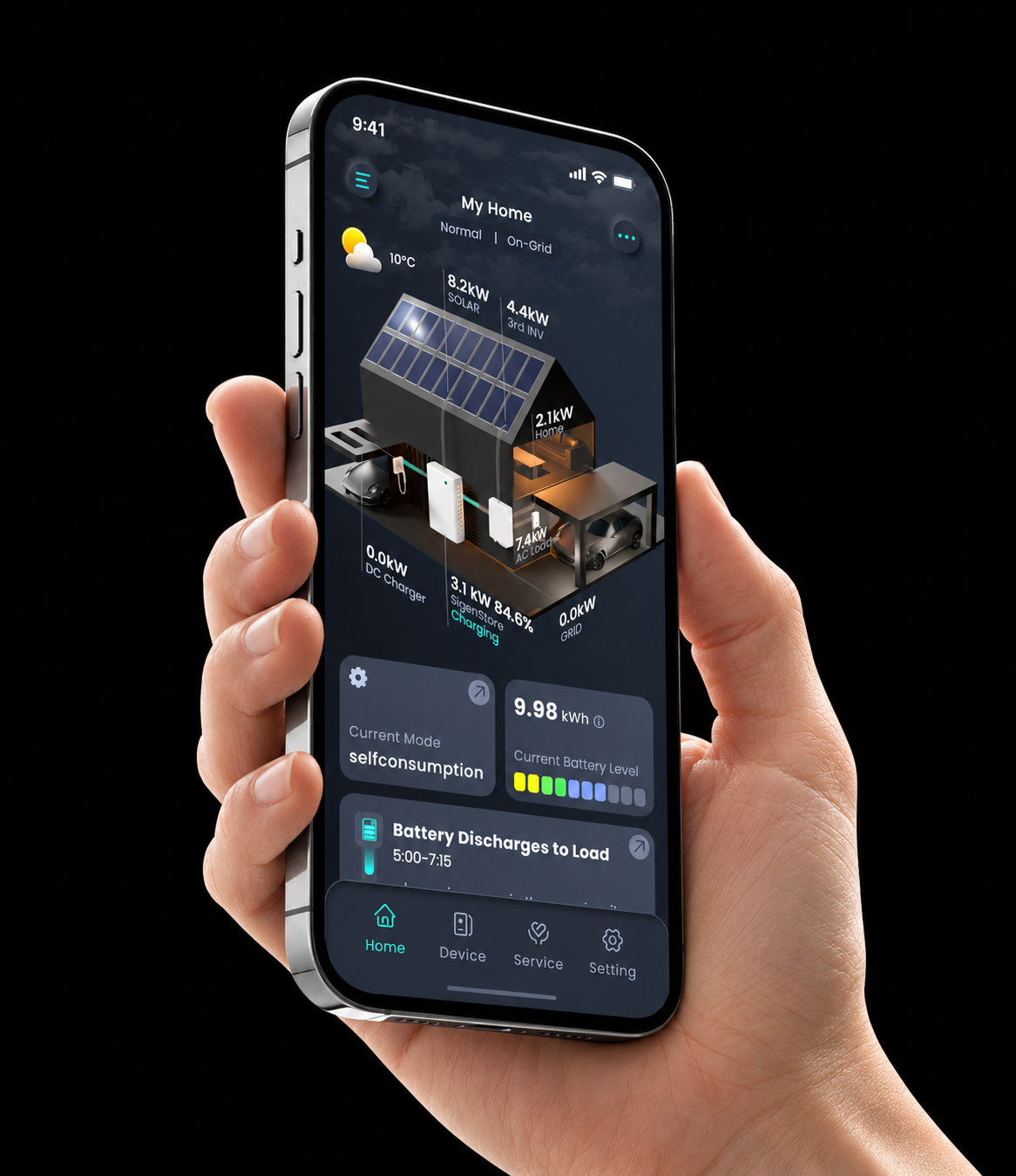
mySigen shows where your power is coming from and going to, right now and over time: what your solar is making, what your home is using, how full your battery is and what you’re buying from or sending to the grid. You can also set how much battery to keep for blackouts.
Download for iPhone
Download for Android
Didn’t get your activation email? Check your junk folder for an email from sigencloud.
Reconnecting to wifi
Changed your modem, wifi password or internet provider? Follow the quick fix steps at the top of this page.
Remember, your solar and battery are still working. Only the app has stopped updating.
App questions
For help using the app and its settings, see Sigenergy’s help and videos.
COMMON PROBLEMS
What’s going on?
Tap a problem to see what to check first.
The app says my system is offline
It’s almost always your home wifi, and your system keeps running. Follow the quick fix steps at the top of this page.
My power went off in a blackout, but I have a battery
Backup only works if your system was installed with a Sigen Gateway. If it was, check your battery had charge left and that nothing large like an oven or air conditioner overloaded it. If you don’t have a Gateway, the system switches off in a blackout like any solar system. Ask us about adding backup.
My battery isn’t charging
On cloudy days or in winter there may not be much spare solar after your home is looked after. If you’re in a virtual power plant (VPP), your provider may control charging at times. Your battery modes and settings are explained in Sigenergy’s help pages.
My battery runs out in the evening
Check the app to see when you use the most power. Heating, cooling and cooking in the evening use a lot. Try running the dishwasher, washing machine or pool pump in the middle of the day instead. Sigenergy’s help pages explain the battery modes you can choose.
A light is flashing
A flashing DC or AC light means there’s a fault. Check the mySigen app for an alarm message. If the system has stopped working, take a photo of the lights and contact us. Don’t open the unit.
I can’t change my settings because I’m in a VPP
While you’re in a virtual power plant program, some settings are controlled by your VPP provider. Contact them to change or leave the program.
RESTARTING YOUR SYSTEM
How to restart it safely
Most problems don’t need a restart, and Sigenergy recommends that only trained people operate the switches.
Your system has a shutdown procedure sign fitted at the switchboard or inverter. Always follow that sign, because it matches how your system was installed.
If the app shows an alarm, check what it means in Sigenergy’s help pages first. If your system has stopped producing power altogether, contact us and we’ll talk you through a safe restart for your installation.
Please don’t switch isolators on and off repeatedly, and never open the cover of the Energy Controller or battery.
MANUALS
Guides and manuals
Sigenergy’s manuals are in their download centre. Some need a free login.
WARRANTY
Warranty
Sigenergy covers the Energy Controller and battery modules for 10 years and the Gateway for 5 years. Our 10 year workmanship warranty covers the installation.
If you think something is faulty and covered by warranty, contact us first and we’ll handle the claim with Sigenergy for you.
Our warranties are in addition to your rights under the Australian Consumer Law.
STILL NEED HELP?
Talk to a real person
Tried the guides and your manufacturer’s help pages and still stuck? Our local team installed your system and we’re here to help. If you can, send a photo of your inverter screen or lights and a screenshot of your app. It helps us sort things out faster.