
ENPHASE HELP
Help with your Enphase system
Guides for Enphase microinverters, the IQ Gateway and IQ Battery: what the lights mean, reconnecting the Enphase App and where to find Enphase’s own help and videos.
Safety first. Smoke, sparks, a burning smell, or crackling from your inverter or battery? Get everyone out, call 000 and tell them you have solar or a battery. Only use the shutdown procedure at your switchboard if it’s safe to do so. Never open the cover of an inverter or battery.
QUICK FIX
Changed your modem or internet provider?
If your app stopped updating after a new modem, a new wifi password or a change of internet provider, your system just needs to be reconnected to your new wifi.
Remember, your solar is still working.
It’s only the monitoring and reporting in your app that has stopped. Your system keeps making and storing power as normal while it’s offline.
Your system uses your home internet to send data to the app, so an internet dropout, a new modem or a change of provider will stop the app updating. These are outside our control, but reconnecting is quick to do yourself.
Haven’t changed anything?
Turn your modem off for 30 seconds, then back on. Wait 15 minutes and check the app again.
How to reconnect it
- Check the IQ Gateway near your switchboard has power and its lights are on.
- Open the Enphase App and follow the prompts to connect the Gateway to your new wifi, keeping your phone within about 3 metres of the Gateway.
- Check the Gateway’s network light. Green means it’s back online.
- Give it 20 minutes to start reporting again.
Still offline?
If you’ve followed the steps and Enphase’s guide and it still won’t reconnect, we can book a technician to reconnect it for you. A service fee applies for reconnection visits.
FROM ENPHASE
Enphase help and videos
For questions about the app, settings and everyday use, Enphase’s own help pages and videos are the quickest way to an answer.
IS IT WORKING?
What the lights mean
With Enphase there’s a small microinverter under each panel on the roof. The IQ Gateway near your switchboard is the box with the lights you can check.
IQ Gateway: network light
- Green: connected to the internet
- Flashing green: connecting
- Red: connected to your home network, but not the internet. See the quick fix
- Off: no network connection
IQ Gateway: production and microinverter lights
- Green: all microinverters are working and talking to the Gateway
- Red: one or more aren’t producing or reporting. Normal at night, but contact us if it stays red in the daytime
- Off: night or very low light
- All lights flashing red: the Gateway is starting up, which takes about 3 minutes
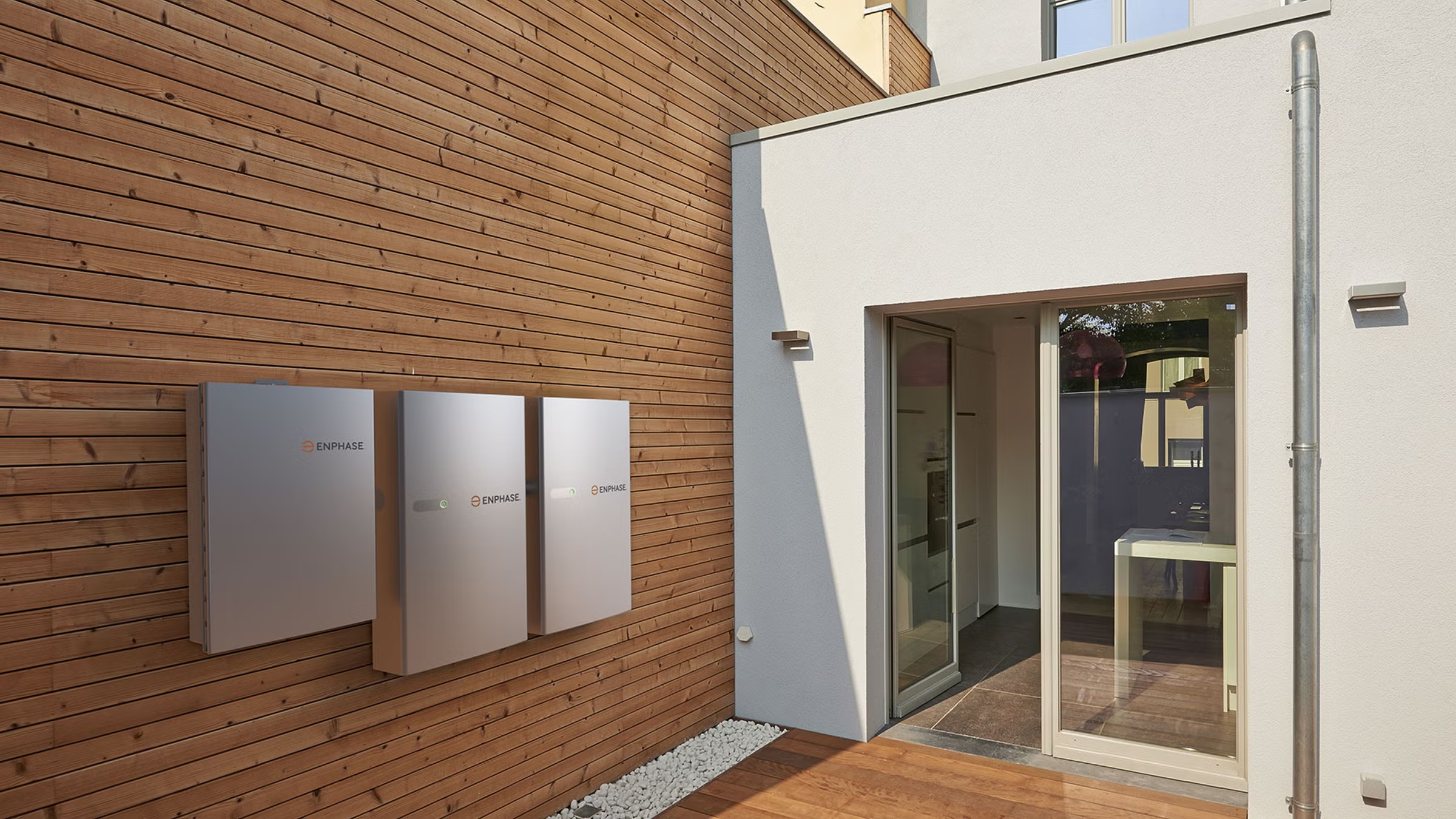
IQ Battery 5P
- Soft green pulse: charging
- Soft blue pulse: powering your home
- Solid blue or green: idle
- Solid yellow: too hot
- Red double flash: an error. Check the Enphase App
- Red triple flash: the battery’s DC switch is off
YOUR APP
The Enphase App
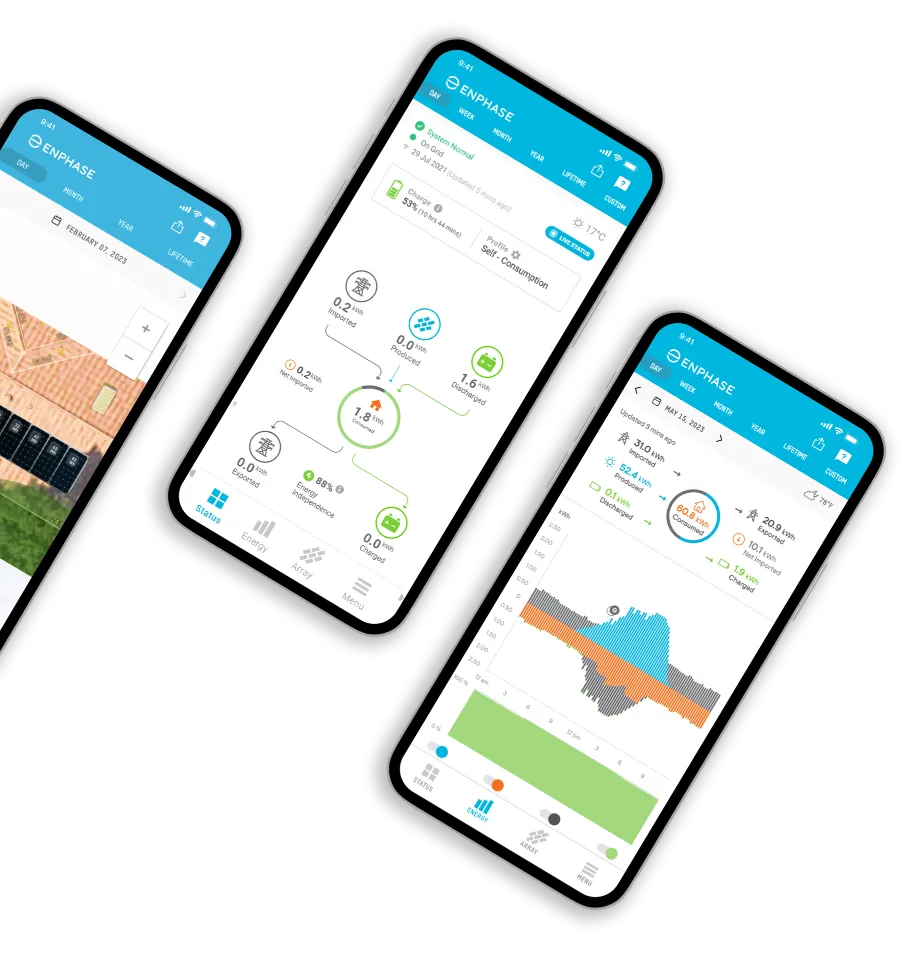
The Enphase App shows your system’s status, how much each panel is producing, your home use and your battery. You can choose your battery mode, set a backup reserve and turn on Storm Guard.
Reconnecting to wifi
Changed your modem, wifi password or internet provider? Follow the quick fix steps at the top of this page.
Remember, your solar is still working. Only the app has stopped updating.
App questions
For help using the app and its settings, see Enphase’s help and videos.
COMMON PROBLEMS
What’s going on?
Tap a problem to see what to check first.
The app says “Gateway not reporting”
The Gateway has lost its internet connection. Your panels keep producing. Follow the quick fix steps at the top of this page.
The app says microinverters aren’t reporting
At night or in very low light this is normal. If it stays that way during a sunny day, contact us.
My output is low
Cloud, rain and shorter winter days all lower output. The app shows each panel, so if one panel is much lower than the rest on a clear day, contact us.
My battery isn’t charging
Check the battery light. If your battery is set to Full Backup mode, it stays idle while the grid is on, which is normal. If the DC switch is off (red triple flash), switch it on. Battery modes are explained in Enphase’s help pages.
My battery stopped in a blackout
Too much may have been running at once. Turn off large appliances and the battery restarts within about 5 minutes. If it ran flat, it recovers by itself when the sun comes back. Backup needs an IQ System Controller installed with your battery.
My battery light is solid yellow
The battery is too hot and has paused to protect itself. Make sure nothing is stacked against it. If it keeps happening, contact us.
RESTARTING YOUR SYSTEM
How to restart it safely
Most problems don’t need a restart.
Your system has a shutdown procedure sign fitted at the switchboard or inverter. Always follow that sign, because it matches how your system was installed.
Resetting an IQ Battery (Enphase’s steps)
- Switch off the DC switch on the battery.
- Wait 30 seconds.
- Switch the DC switch back on.
For solar only systems, Enphase doesn’t recommend owners switch things off. Check the Enphase App and Enphase’s help pages first. If your system has stopped producing power altogether, contact us.
Never unplug the cables on the roof and never open the battery, as it voids the warranty.
MANUALS
Guides and manuals
Enphase’s Australian IQ Battery owner’s guide covers the battery and Gateway.
WARRANTY
Warranty
Enphase IQ8 microinverters have a 25 year warranty, IQ7 microinverters 10 years and the IQ Gateway 5 years. The IQ Battery 5P is covered for 15 years. Our 10 year workmanship warranty covers the installation.
If you think something is faulty and covered by warranty, contact us first and we’ll handle the claim with Enphase for you.
Our warranties are in addition to your rights under the Australian Consumer Law.
STILL NEED HELP?
Talk to a real person
Tried the guides and your manufacturer’s help pages and still stuck? Our local team installed your system and we’re here to help. If you can, send a photo of your inverter screen or lights and a screenshot of your app. It helps us sort things out faster.